At the door
Scan a signed member QR card or enter a phone number. Fitarix checks expiry, visit allowance, freeze, access hours and gym capacity before recording entry.
 fitarix.
Gym management for Windows
Member check-in, membership payments and class bookings on your Windows PC. Work in English or Indonesian. Keep the gym running when the internet stops.
Read the Windows setup guide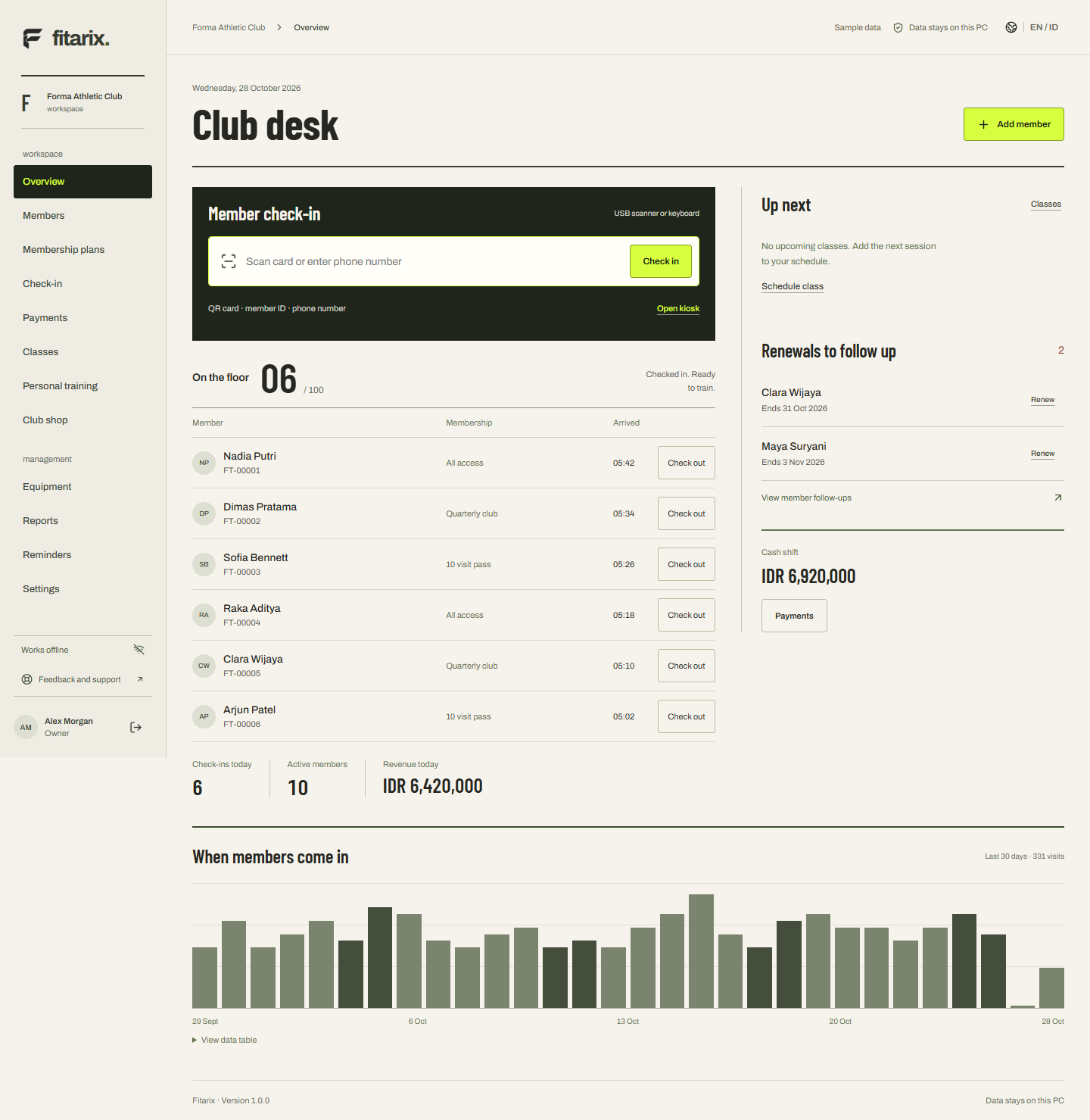
Scan a signed member QR card or enter a phone number. Fitarix checks expiry, visit allowance, freeze, access hours and gym capacity before recording entry.
Record cash, manually verified transfers, QRIS and card payments. Issue receipts, extend memberships and close the cashier shift against counted cash.
Schedule classes with booking and waitlist, sell personal training packages, record shop sales and track equipment maintenance.
Core operations use a local SQLite database. Keep portable backup copies on another drive or in your own cloud-synced folder.
Switch between English and Bahasa Indonesia without changing your member records. Prices use whole Indonesian rupiah. Operating times are shown in WIB (UTC+7).
Member data stays in the local app. Opening support or WhatsApp takes you to an external website under your control. Privacy
The installed app performs core member management, check-in and cash payments locally. Internet is needed to install missing Windows prerequisites, open support, use WhatsApp or let your chosen cloud folder synchronize.
No. QRIS and bank transfers are recorded after staff verify the payment externally. Fitarix does not automatically settle or collect those payments.
A QR/barcode scanner in keyboard mode can enter the member card code. Receipts, invoices and member cards use the Windows print dialog, including Save as PDF. Physical device compatibility should be checked with your gym’s hardware.
An owner can create a .fitarix-backup file and restore it in Fitarix on another PC. Keep an additional copy outside the original computer. Backup files contain personal data and are not encrypted by Fitarix.